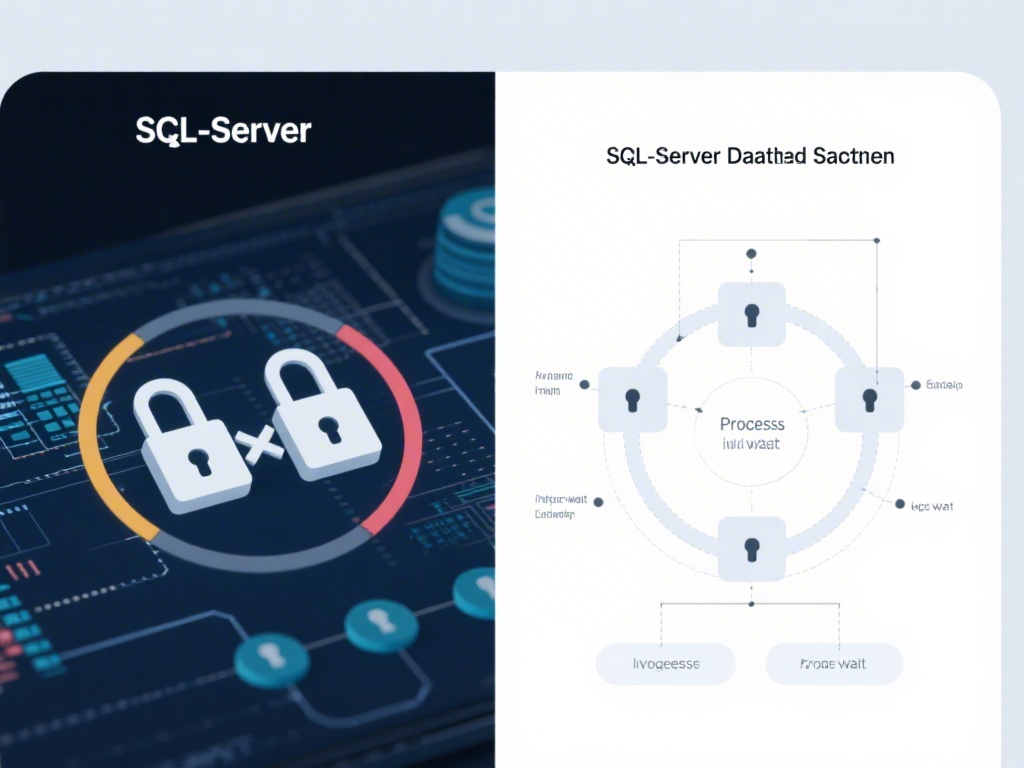
Deadlocks in SQL Server can significantly impact database performance and cause delays in data retrieval. Understanding how to fix deadlocks is crucial for maintaining a robust and efficient database system. In this comprehensive guide, we will explore various techniques to prevent, detect, and resolve deadlocks in SQL Server.
Introduction to Deadlocks in SQL Server
Deadlocks occur when two or more processes are waiting for each other to release resources, resulting in a standstill. In SQL Server, deadlocks can happen when transactions are competing for the same locks on data rows or resources. Fixing deadlocks involves identifying the cause, analyzing the transaction logs, and implementing strategies to prevent them from recurring.
1. Understanding Deadlock Basics
Before diving into the resolution techniques, it's essential to understand the basics of deadlocks. A deadlock typically occurs when two transactions are waiting for locks held by each other. Here are some key points to consider:
- Locks: SQL Server uses locks to control access to data. Transactions acquire locks on data rows or resources before accessing them.
- Resource Contention: Deadlocks often arise from resource contention, where multiple transactions are trying to access the same resources simultaneously.
- Transaction Isolation Levels: The isolation level of a transaction can affect the likelihood of deadlocks. Lower isolation levels can lead to more deadlocks.
2. Detecting and Analyzing Deadlocks
Detecting deadlocks is crucial for resolving them. SQL Server provides several tools and techniques to identify deadlocks:
- SQL Server Profiler: Use SQL Server Profiler to capture deadlock graphs and trace the steps leading to a deadlock.
- Deadlock Graphs: Deadlock graphs provide a visual representation of the deadlock scenario, showing which transactions are waiting for which locks.
- Transaction Logs: Analyzing transaction logs can help identify the sequence of events leading to a deadlock.
3. Deadlock Prevention Techniques
Preventing deadlocks is often more effective than resolving them after they occur. Here are some techniques to prevent deadlocks:
- Lock Ordering: Ensure that transactions acquire locks in a consistent order to avoid circular waits.
- Minimize Lock Duration: Keep transactions short and release locks as soon as possible.
- Use Transactions Wisely: Avoid long-running transactions and ensure that transactions are isolated appropriately.
4. Deadlock Recovery
In some cases, deadlocks cannot be prevented. In such scenarios, it's essential to have a recovery strategy:
- SQL Server Error Messages: SQL Server provides error messages when a deadlock occurs. Analyze these messages to understand the deadlock scenario.
- Killing Transactions: In some cases, it may be necessary to terminate one or more transactions to resolve the deadlock.
Conclusion
Fixing deadlocks in SQL Server requires a combination of understanding the basics, detecting and analyzing deadlocks, implementing prevention techniques, and having a recovery strategy. By following the guidelines outlined in this guide, you can effectively manage deadlocks and maintain a high-performing database system.
---
Deadlocks are a common challenge in database management, but with the right approach, they can be effectively managed. Remember to consistently monitor your SQL Server environment, apply best practices, and stay informed about the latest developments in deadlock resolution techniques.