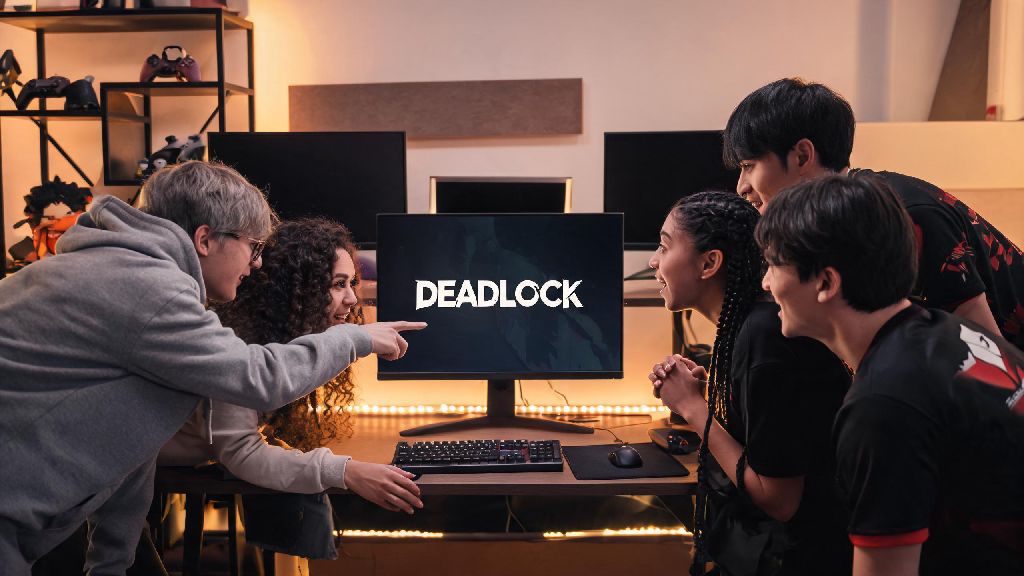
If you’ve scored access to the closed Deadlock playtest, the first thing you probably want to do is bring your favorite gaming buddy along for the chaos. There’s nothing worse than grinding a new hero shooter alone, especially when every match is full of test players figuring out mechanics alongside you. Figuring out how to invite friend to Deadlock playtest isn’t as straightforward as sending a regular Steam game invite, though, thanks to the test’s limited access rules. I’ve gone through the process three times already with my own friend group, so I’ve broken down every step, workaround, and common mistake to save you the hassle.
Pre-Requisites Before You Learn How to Invite Friend to Deadlock Playtest
Before you start clicking through menus to send invites, you need to make sure both you and your friend meet Valve’s basic requirements for playtest access. Skipping this step is the number one reason people run into errors later, so take 60 seconds to confirm these details first.
You can only invite friends who have already opted into the playtest waitlist on Steam. Valve doesn’t let you send invites to people who haven’t expressed interest, to cut down on spam and keep the test pool limited to players who actually want to participate. If your friend hasn’t signed up yet, send them a quick message to get on the list before you try to invite them.
Your playtest account has to be in good standing – if you’ve been reported for toxic behavior in earlier test phases, your invite privileges might be restricted temporarily. Most restrictions lift after 7 days if you don’t have any additional reports, but you can check your status in the in-game settings menu if you’re unsure. Also, note that invite limits reset every week, so if you used all your invites last test cycle, you’ll get a fresh batch when the new phase goes live.
I made the mistake of trying to invite a friend who never signed up for the waitlist first last month, and I wasted 20 minutes troubleshooting before I realized that was the issue. It’s a tiny detail that makes a huge difference.
Step-by-Step Invite Process for Steam PC Users
This is the standard process for 90% of players who got access to the playtest directly through Steam. It only takes about 30 seconds if you and your friend already meet all the pre-requisites we listed above.
If your friend doesn’t show up in the eligible list, don’t panic – that usually just means they haven’t finished verifying their Steam account for the playtest, or they signed up with a different email than the one linked to their Steam profile. Ask them to double check their Steam waitlist status first before you try any workarounds. If they’re already on the list and still not showing up, restart both your Steam clients to refresh the eligibility list.
Common Invite Issues and Quick Fixes
Even if you follow all the steps perfectly, you might run into one of these common glitches that pop up during active test phases. The devs are constantly patching these issues, but these fixes work for 9 out of 10 cases right now.
The most common error is the “invite failed to send” pop-up. That usually happens if you’ve hit your weekly invite cap. Most new players get 2 invites per test phase, but if you’ve been an active tester for multiple cycles, you might get up to 5. You can check how many invites you have left in the “Squad” menu, right below the invite button.
Another frequent issue is your friend gets the invite but can’t join the game. That’s almost always because their Deadlock client isn’t updated to the latest playtest build. Tell them to go to their Steam library, right click Deadlock, select “Properties” then “Updates” to force a refresh. Never send game files directly to your friend to bypass the update – that violates the playtest NDA, and can get both of your accounts banned permanently.
If the invite notification never shows up for your friend, have them check their Steam message requests folder. Sometimes invites from people they don’t play with often get filtered there. I ran into this last week when I invited a former college roommate I hadn’t played with in two years, so it’s a super common quirk.
Extra Perks of Playing the Deadlock Playtest With Friends
You don’t just get to have more fun playing with people you know when you bring a buddy along to the playtest. Valve actually rewards players who bring new testers into the fold with exclusive in-game rewards that carry over to the full launch, as long as you don’t violate the NDA.
All playtest rewards are tied to your Steam account permanently, so you won’t lose them when the game launches publicly. What kind of rewards can you get? You can unlock exclusive player cards, custom weapon skins for your favorite heroes, and early access to new hero betas before they roll out to the general playtest pool. I got a rare skin for my main hero last month after inviting two friends to the test, and it’s not available anywhere else right now.
Squads with at least two friends also get priority in match queues, so you won’t wait as long to get into a game as solo players do. During peak test hours, solo players wait an average of 7 minutes per match, while squads wait less than 2 minutes. That’s a huge difference if you only have an hour or two to play after work or school.
Just make sure your friend knows they can’t stream or share screenshots of the playtest, because that can get both of your access revoked. It’s a small rule to follow for all the extra perks you get.
At the end of the day, the process to bring your squad into the test is simple as long as you follow the pre-requisites and work around the small quirks of Valve’s closed testing system. Taking a minute to make sure your friend is on the waitlist and their client is updated will save you a ton of frustration, and you’ll get to enjoy all the exclusive rewards that come with bringing new players in. Now that you know how to invite friend to Deadlock playtest, you can stop scrolling forums for answers and jump into a match with your best buddy right away. If you run into a rare issue we didn’t cover, you can always submit a ticket through the in-game support menu, and the dev team usually responds within 24 hours during active test phases.