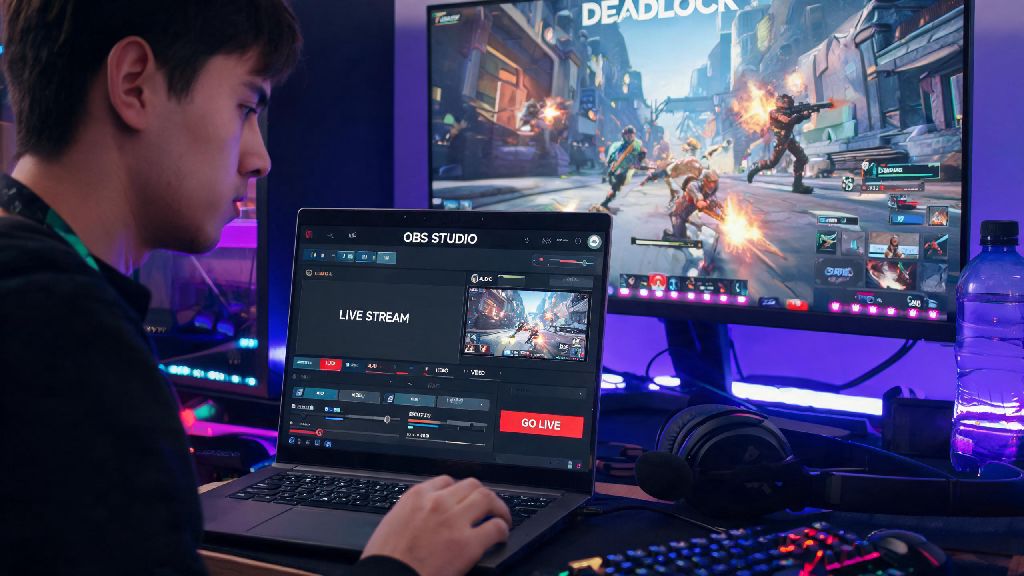
If you’re a fan of fast-paced, team-based MOBAs, you’ve likely spent hours grinding matches in Valve’s hit new title Deadlock. It’s chaotic, competitive, and full of wild, clip-worthy plays that make viewers stick around for entire streams. So it’s no surprise that one of the most common questions new players ask is: can i stream Deadlock without ruining my in-game performance or stream quality? The short answer is yes, but the exact setup you need depends on your hardware, internet connection, and the stream quality you want to deliver. This guide breaks down everything you need to know to start sharing your matches with an audience, no fancy expensive gear required.
Can I Stream Deadlock: Minimum and Recommended System Requirements
Before you hit go live, you need to make sure your PC can handle running both Deadlock and your encoding software at the same time. Streaming puts extra load on your CPU, GPU, and RAM, so even if you can run Deadlock perfectly on its own, you may need to adjust a few settings to keep both your game and stream running smooth. I’ve tested streaming Deadlock on a wide range of builds over the past few months, so these requirements are based on real-world use, not just generic manufacturer guidelines.
First, let’s cover the minimum specs for 720p 30fps streaming, which is a great starting point for new streamers: Minimum CPU requirement is a 6-core Intel i5-10600K or AMD Ryzen 5 3600. These chips have enough cores to handle both game processing and basic encoding without dropping frames. Minimum GPU requirement is an NVIDIA GTX 1660 Super or AMD RX 580, which can run Deadlock on medium settings while handling basic GPU encoding. 16GB of DDR4 RAM is the bare minimum – you’d be surprised how much memory Discord, your browser, and streaming software eat up in the background. For internet, you’ll need an upload speed of at least 6Mbps, and wired ethernet connection is always better than Wi-Fi to avoid random stream drops or high in-game ping.
If you want to stream 1080p 60fps with the game on high settings, you’ll need a slightly more powerful build. Aim for an 8-core Intel i7-11700K or AMD Ryzen 7 5700X CPU, an NVIDIA RTX 3060 or AMD RX 6600 XT GPU, and 32GB of RAM. You’ll also need an upload speed of at least 10Mbps to support the higher bitrate required for 1080p 60fps streams. If your build falls between these two tiers, don’t worry – you can always tweak your settings to find a balance between game performance and stream quality that works for you.
Compatible Streaming Platforms for Deadlock Streams
Once you confirm your hardware can handle streaming, the next step is picking a platform to host your stream. The good news is all major streaming platforms support Deadlock gameplay streams, with no built-in restrictions or copyright claims for standard gameplay footage. You don’t need any special permission to stream the game, as long as you don’t play copyrighted music in the background that could trigger a content ID claim.
Twitch is by far the most popular platform for Deadlock streams right now, with a dedicated category that regularly pulls in over 100,000 concurrent viewers. It’s a great choice if you want to grow a new audience, as many viewers browse the Deadlock category looking for new streamers to watch. YouTube Gaming is another solid option, especially if you already have a following on YouTube from short-form Deadlock clips or guide content. Facebook Gaming and Kick are also worth considering if you prefer their creator payout structures or community features.
Right now, Deadlock is only available on PC, so you don’t need a capture card to stream unless you’re using a dual PC setup. If Valve releases Deadlock on consoles in the future, you’ll be able to use the built-in streaming features on PS5 and Xbox Series X/S to stream directly to your platform of choice without any extra hardware. No matter what platform you pick, make sure to tag your stream with the official Deadlock category so viewers can find you easily.
Common Issues When Streaming Deadlock (and How to Fix Them)
Even if you meet all the system requirements, you might run into small issues when you first start streaming Deadlock. Most of these problems are easy to fix with a few small adjustments, and you don’t need to buy new hardware to solve them. From my experience helping new streamers set up their streams, these are the four most common issues people run into:
Pro Tips to Improve Your Deadlock Stream Quality
Once you have your basic setup working, there are a few small changes you can make to turn a basic stream into one that viewers keep coming back to. You don’t need to spend hundreds of dollars on new gear to make these improvements either – most of them are free or cost very little.
First, add a facecam if you can. Viewers tune into Deadlock streams as much for the streamer’s personality and reactions as they do for the gameplay, and a facecam makes your stream feel much more personal. Even a basic $20 1080p webcam is enough to start, you can upgrade to a higher quality one later if you want. Next, set up a few simple scenes in your streaming software for matches, loading screens, and intermissions. This makes your stream look much more professional, and it gives you a chance to take quick breaks without leaving your viewers staring at a blank screen.
You should also take advantage of Deadlock’s built-in highlight feature to cut clips of your best plays after each stream. You can post these clips to TikTok, Instagram Reels, or YouTube Shorts to attract new viewers to your live streams. Many of the biggest Deadlock streamers grew their audience almost entirely from short-form clips of their wildest in-game plays. Finally, make sure to interact with your chat as much as possible during matches. Even if you’re focused on a tough fight, take a second to respond to comments between rounds or during loading screens. Viewers are much more likely to subscribe and come back if they feel like you’re actually talking to them, not just playing the game in front of a camera.
At the end of the day, the answer to can i stream Deadlock is almost always yes, even if you don’t have a top-of-the-line PC. You can start small with 720p 30fps streams and upgrade your setup and quality as you grow your audience. Don’t wait until you have perfect gear to start streaming – the best way to get better is to practice, and most viewers will forgive small quality issues if you’re entertaining and engage with them regularly. Give it a try, and you might be surprised how much fun it is to share your Deadlock matches with a community of fellow fans.